How to Make Coloring Book Interiors for KDP With AI
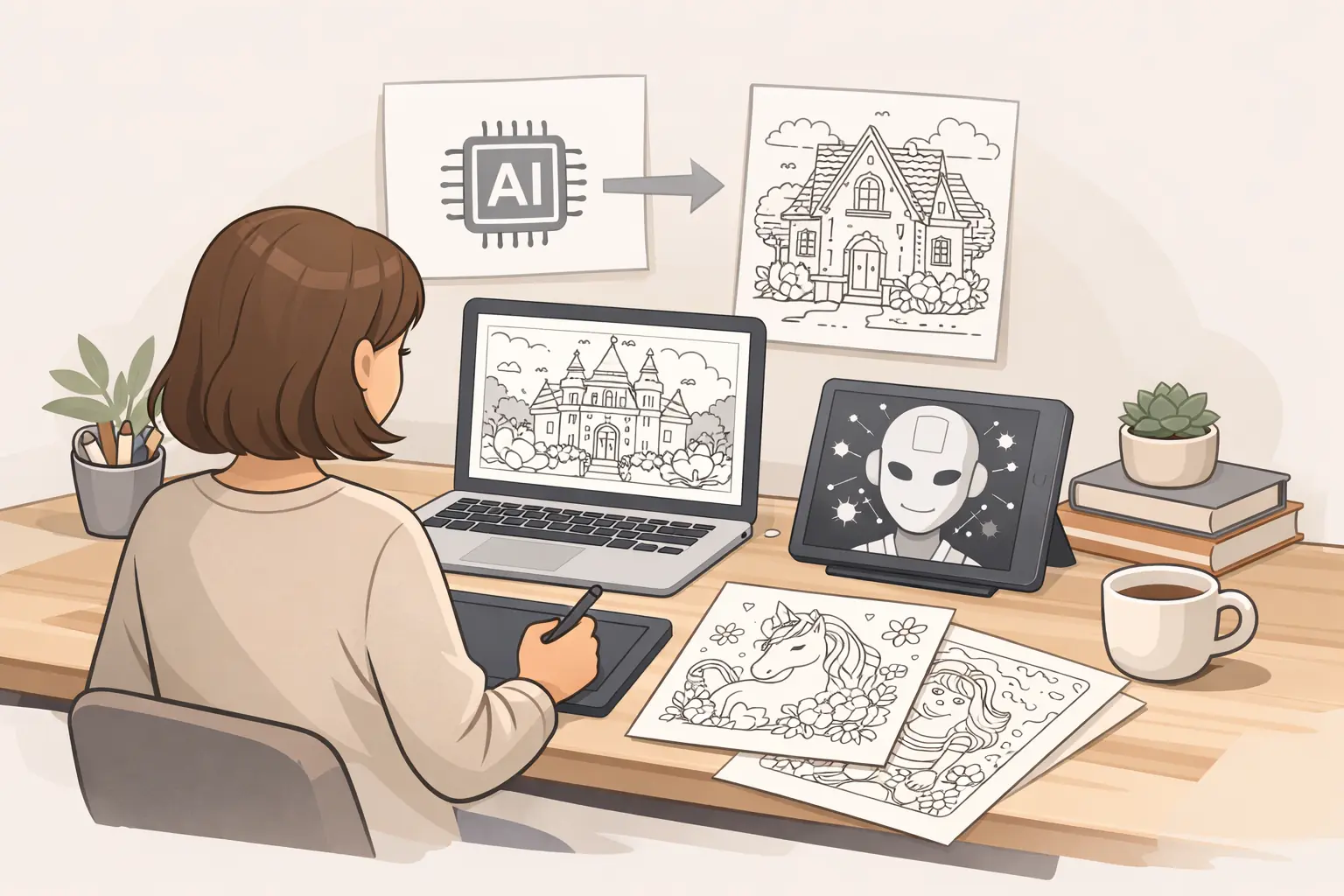
If you are trying to make coloring book interiors for Amazon KDP with AI, the hard part is usually not generating a few decent images.
It is turning rough ideas into a usable interior that feels consistent, printable, and worth publishing.
That is where a lot of creators get stuck. They can get interesting outputs, but then run into the real production problems:
- the pages do not feel like one book
- line quality is inconsistent
- some images are too detailed to color comfortably
- layout gets messy at export time
- the final PDF still does not feel KDP-ready
So the useful question is not just can AI make coloring pages.
It is this:
How do you use AI in a workflow that helps you make a better coloring book interior for KDP without creating more cleanup work than you save?
This guide is built for that exact intent. It is for KDP creators who want a practical, realistic workflow they can repeat.
What “good enough for KDP” actually means
Before talking about tools, it helps to define the goal.
A workable KDP coloring book interior is usually:
- visually consistent across the book
- clearly designed for the target audience
- clean enough to print in black and white
- laid out to the correct trim and bleed requirements
- organized so the final upload process is not chaotic
That matters because AI can help you generate pages faster, but it does not automatically make the book publishable.
Where AI helps most in the interior workflow
AI is most useful when it reduces time in the early and middle parts of production.
Usually that means:
- turning a niche idea into page concepts
- creating draft interior directions faster
- helping you build variation within one theme
- reducing blank-page syndrome when planning a book
It is less useful if you expect it to fully replace:
- audience judgment
- print-readiness checks
- line cleanup decisions
- page sequencing and layout discipline
That is not a weakness. It is just the realistic boundary.
Step 1: Start with the buyer, not the prompts
A lot of creators begin by generating random pages.
That usually leads to a messy interior.
Start here instead:
- Who is the book for?
- What is the coloring experience supposed to feel like?
- What complexity level fits that audience?
- Can the theme support 25 to 40 pages without getting repetitive?
For example, these are very different interiors:
- bold-and-easy flowers for seniors
- cozy reading nooks for adult relaxation
- construction vehicles for ages 4 to 8
- spooky-cute Halloween pages for tween girls
The clearer the buyer is, the easier it becomes to guide the whole workflow.
Step 2: Build a page plan before generating everything
Do not jump straight into making 30 pages.
Create a simple page map first.
A practical structure might look like this:
- 5 core scene types
- 5 supporting object or character types
- 5 variation prompts
- 5 easier pages
- 5 more detailed pages
- optional intro or test pages
This helps the interior feel intentional instead of random.
For a cozy interiors book, the page plan might include:
- reading corner with lamp
- bookshelf wall with plants
- rainy window seat
- small tea table scene
- blanket-and-book bedroom setup
Then each scene can be varied by season, object detail, room shape, or mood.
Step 3: Generate a small test batch first
This is where many creators save time or waste it.
Instead of generating the full book, make a test batch of 5 to 8 pages.
Use that batch to check:
- line clarity
- consistency of style
- background noise
- whether the pages are actually fun to color
- whether the level of detail matches the audience
If the test batch is weak, fix the system before scaling.
That is much cheaper than cleaning up 30 pages later.
Step 4: Use AI to create variations, not just one-offs
The strongest AI-assisted interiors usually come from controlled variation.
That means choosing a clear theme and generating multiple pages that belong together rather than chasing novelty every time.
Good variation control includes:
- repeating the same audience signal
- keeping line weight direction similar
- using a stable complexity level
- limiting style drift between pages
- varying composition without changing the whole concept
This is where a coloring-book-focused workflow matters more than generic image experimentation.
Step 5: Clean up the pages before layout
This step gets skipped too often.
Even strong draft pages often need refinement before they belong in a book.
Common cleanup work includes:
- removing gray artifacts
- closing broken shapes
- simplifying cluttered details
- improving black-and-white contrast
- making page density feel more even from page to page
If one page looks airy and beginner-friendly while the next is extremely dense, the interior feels inconsistent.
The goal is not perfection. It is coherence.
Step 6: Review the book as a set, not as individual pages
A page that looks fine alone may still be wrong for the book.
Before layout, review all pages together and ask:
- do these pages feel like one product?
- is there too much repetition?
- are some pages clearly weaker than the others?
- does the complexity jump around too much?
- would a buyer feel disappointed flipping from page to page?
This is where it helps to cut weaker pages instead of forcing them into the final interior.
A smaller, stronger book is usually better than a padded one.
Step 7: Lay out for KDP properly
Once the interior pages are selected, move into assembly.
For KDP, you need to think beyond the art itself.
Check:
- trim size
- bleed vs no-bleed choice
- margin safety
- page order
- whether to place blank backs behind illustrations
- final PDF dimensions
This part is boring compared with generation, but it affects whether the book feels professionally made.
A creator who has good pages but weak layout discipline can still end up with a poor final product.
Step 8: Do a print-minded final review
Before upload, inspect the interior like a buyer would.
Look for:
- lines that may print too faintly
- overly busy pages
- accidental duplicate compositions
- inconsistent black levels
- pages that feel off-theme
If possible, zoom out and view thumbnails together. It makes inconsistency easier to spot.
A simple repeatable workflow for KDP creators
If you want the short version, this is the workflow that usually makes the most sense:
- choose a clear niche and audience
- map the page set before large-scale generation
- create a small draft batch first
- refine prompts or generation settings based on that batch
- clean up the strongest pages
- review the full set for consistency
- assemble in a trim-aware layout
- export and do one final print-minded check
That is a much safer system than trying to generate the whole book in one rush.
Where Coloring Book Engine fits, realistically
Coloring Book Engine is most useful when you want to move faster from niche idea to usable interior direction.
In practical terms, it can help with:
- testing multiple interior concepts around one niche
- generating draft page directions more quickly
- building variation inside a consistent theme
- reducing repetitive setup during the early production stage
What it does not do by itself:
- guarantee commercial success
- replace cleanup judgment
- choose your KDP category
- remove the need for layout and export review
That is the realistic framing, and it is still valuable.
For many KDP creators, the biggest time loss happens before layout even starts. A faster concept-to-draft workflow can help a lot there.
Common mistakes when making AI coloring book interiors
The most common problems are:
- starting with random prompts instead of a defined audience
- generating too many pages before testing quality
- mixing detail levels in one book
- skipping cleanup because the drafts seem “good enough”
- treating layout as an afterthought
- publishing a book that has a theme but not a consistent interior experience
Most of these are workflow issues, not tool issues.
What kind of interior is easiest to make well with AI?
In general, interiors are easier when they have:
- a clear theme
- repeatable scene structure
- moderate detail rather than extreme intricacy
- a stable audience expectation
- enough variation without requiring highly complex storytelling
That is why niches like cozy interiors, simple florals, beginner mandalas, bold-and-easy themes, and age-specific kids books are often easier to execute cleanly than vague “anything goes” concepts.
Final takeaway
If you want to make coloring book interiors for KDP with AI, the winning approach is not “generate more images.”
It is building a workflow that helps you:
- define the audience clearly
- test concepts early
- create variation without chaos
- clean up for consistency
- assemble for print properly
AI is most useful when it speeds up a good production system.
If the system is weak, AI just helps you make inconsistent pages faster.
CTA
If you want a faster way to prototype coloring book interiors, compare niche directions, and build draft page sets before full layout, try Coloring Book Engine. It is a practical way to move from idea to interior workflow without relying on generic image tools alone.
Free tools for this workflow
Use the relevant CBE utility before export: free AI Coloring Page Prompt Builder and free KDP Interior PDF Maker. Each tool runs as a focused browser utility, and file-based checks stay local where the tool says so.